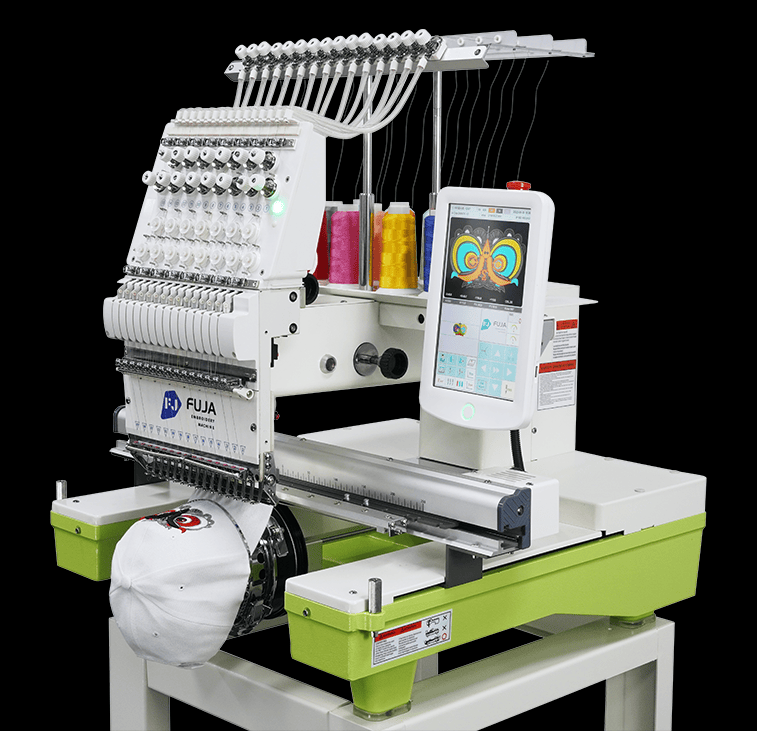
Start troubleshooting with the fault message, design file and last change. Use the checks allowed in the model manual. Stop the machine if there is damage, unusual noise or an electrical concern, and ask for support.
1. Thread Breaks
Check the thread path against the model manual. Confirm the needle type and thread fit, then inspect the sample. Follow the manual before changing tension or replacing a damaged needle. Record where the break occurs and whether it repeats on the same part of the design.
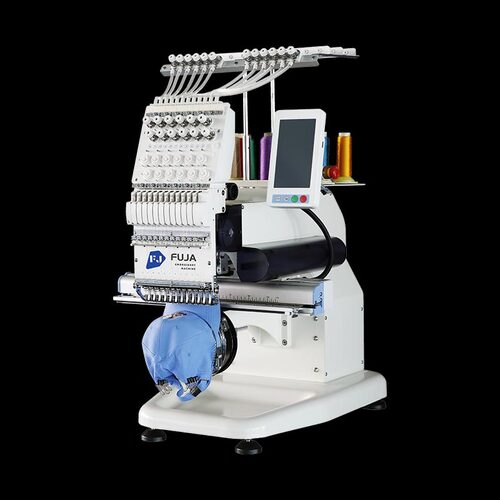
2. Puckering or Uneven Fabric
Check hooping, backing and design density on the actual fabric. Hold the fabric securely without stretching it beyond the required setup. Change one test condition at a time. Do not adjust presser foot height or pressure unless the model manual allows it.
3. Thread Loops or Knots
Stop and check the upper thread path and bobbin installation as described in the manual. Inspect accessible areas for trapped thread or lint. Do not open covers or disturb internal settings to clear a routine thread problem.
4. Design Placement Problems
Check the frame mounting, design size and starting position. Compare the file and controller settings with an approved sample. If placement still shifts, record the result and ask service staff to inspect it. Do not adjust motors or drivers yourself.
5. Unusual Noise
Stop the machine when a new or unusual noise appears. Check only the visible items allowed by the manual. Record when the noise occurs and ask for service advice. Do not tighten all screws or add oil to unspecified parts.
Checks to Keep in Mind
- Follow the model’s cleaning and maintenance instructions for accessible operator tasks.
- Confirm needle, thread and backing compatibility with the fabric and design.
- Check approved settings before changing them. Use the manual for tension and other permitted adjustments.
- Test one possible cause at a time and record the result. Stop when a task needs qualified service staff.
Keep the file, sample, fault message and test notes when asking for help. Basic checks do not prove the cause of every fault. If the problem continues, stop repeated adjustments and contact support.