MANUFACTURER SINCE 2008 · 150+ COUNTRIES
Create, edit and digitize embroidery files, then export compatible machine files for transfer by USB or supported network workflows. S-STITCH is sold separately.
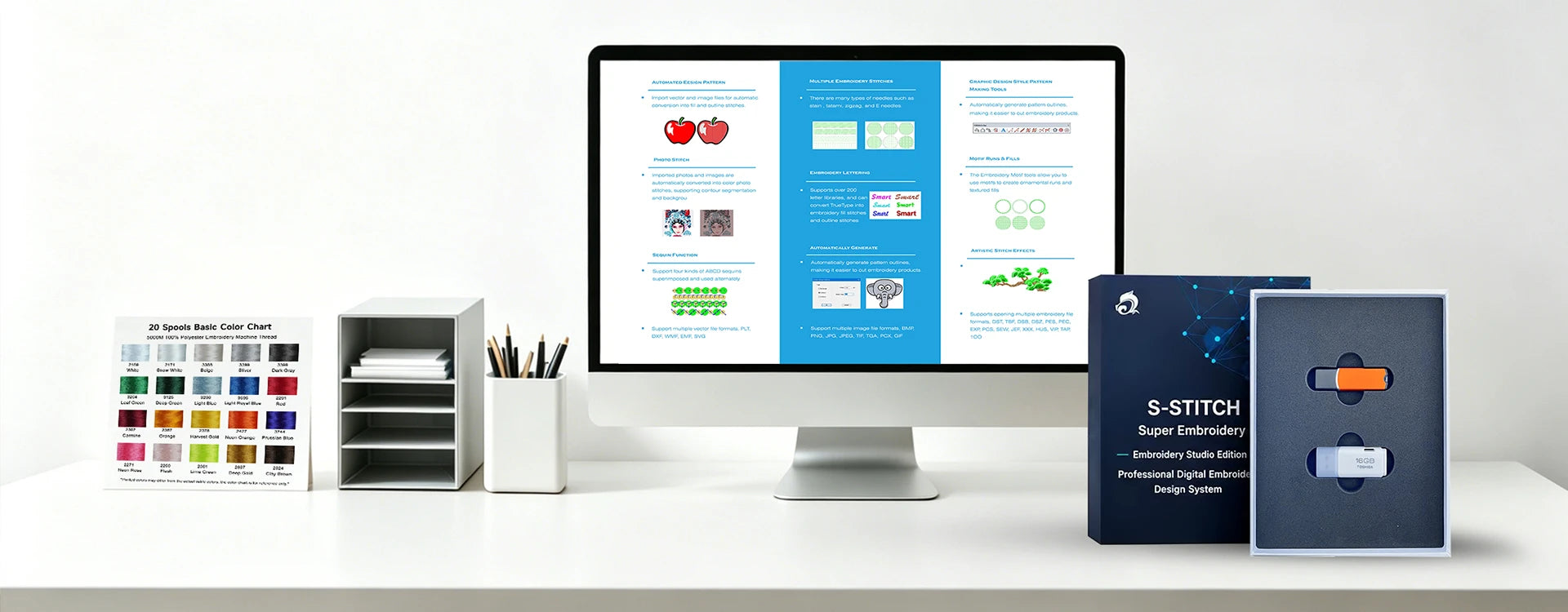
S-STITCH is FUJA's embroidery design & digitizing software — the bridge between your artwork and your machine.
Before purchase, confirm the licensed version, operating system requirements, supported input and output formats, available language tools, training and compatibility with your FUJA machine workflow.
Use the software for artwork preparation, digitizing, stitch editing and production file export according to the licensed feature set.
Convert artwork into stitch objects, paths, underlay and density settings. Clean digitizing still requires application knowledge and test stitching.
Apply supported stitch types and effects for lettering, logos, patches, caps and decorative embroidery.
Use sequencing, color management and editing tools to reduce unnecessary jumps, trims and production time.
Adjust size, shape, stitch order, density and compensation while monitoring the effect on stitch count and sewability.
Supported input formats depend on the licensed software version. Verify the current format list before purchase.
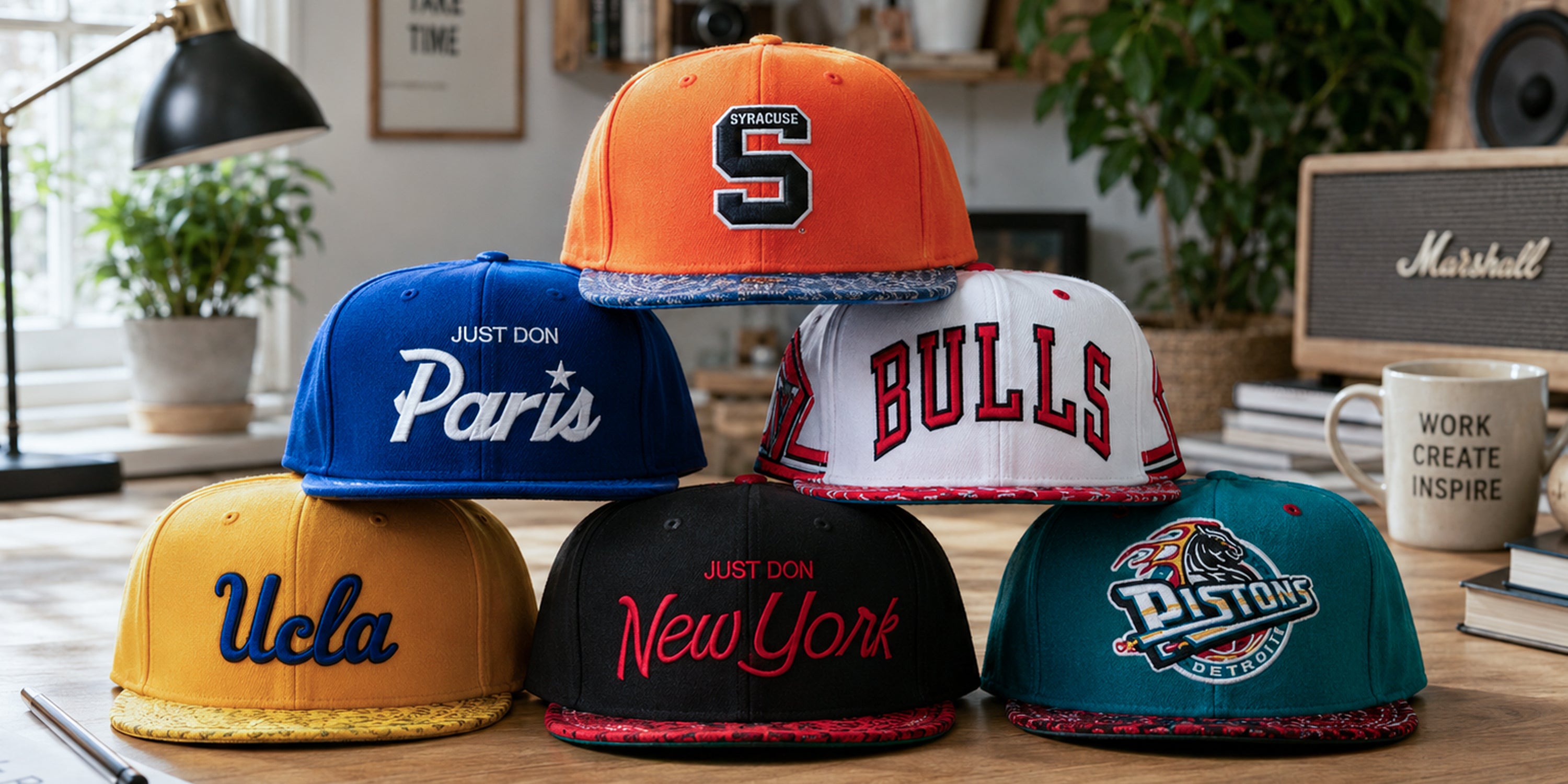
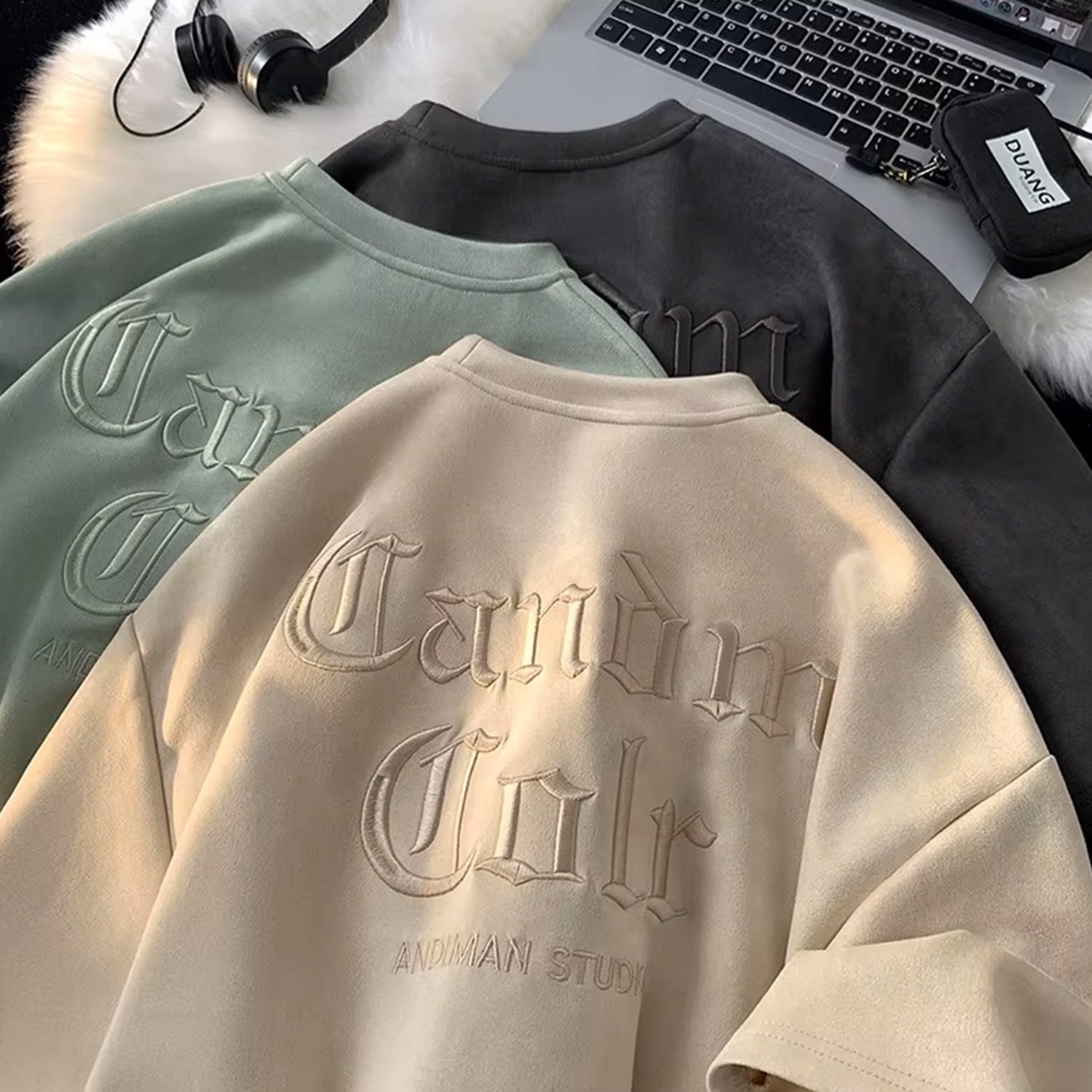
Font and language availability varies by software version. Verify the exact installed font library and character support.
Photo to stitch tools can create stylized embroidery, but output usually requires manual cleanup, appropriate fabric and test stitching.
Confirm the current input and output format list. FUJA machine workflows commonly use DST/DSB, subject to the control system.
Transfer exported files by USB and use Wi‑Fi on supported machine and network configurations.
Import, digitize, export and test. Production approval should be based on a real stitch sample, not only the onscreen preview.
Import artwork or create text and shapes, then clean the source before digitizing.
Set stitch type, direction, underlay, density, compensation and sequence for the material and application.
Export a compatible file and transfer it by USB or a supported network workflow.
Run a test stitch, inspect the front and reverse, then adjust the file before production.
Software compatibility depends on the licensed S-STITCH version, computer system, exported file and machine control. Confirm before purchase.
S-STITCH is sold separately. Share your computer operating system, machine model and required features so FUJA can confirm the appropriate license and training option.
The supported format list depends on the current software version. Request the official compatibility sheet instead of relying on an outdated website list.
Export the stitch file format supported by your control system, commonly DST or DSB, then transfer it by USB or a supported Wi‑Fi workflow.
Beginners can learn common lettering and editing tasks, but professional digitizing requires practice, material knowledge and repeated test stitching.
Tell us what you embroider, how many pieces a day and which country the machine goes to. Our team replies online with the models that fit.
For machine purchases, distributor programs and OEM/ODM projects.
 English
 Español
  Deutsch
  Русский
  Français
  Italiano
  Português
  العربية
  Filipino
  日本語
日本語  한국어
한국어